
Meet customers where they find you
Place a contact form on your own website so visitors can ask a question or describe the work they need. You can also share the public form link directly.
WIN WORK / CONTACT FORMS
Your next customer has a question, a project, or a job in mind. Give them a simple way to tell you about it with a contact form embedded right in your website.
BUILT AROUND YOUR WORK
Place a contact form on your own website so visitors can ask a question or describe the work they need. You can also share the public form link directly.
Use your form’s configured fields to collect the information you need for an enquiry. Required fields guide customers through the details that should not be missed.
After a successful submission, the form displays a confirmation message. Customers know their information has been sent and can understand what happens next.
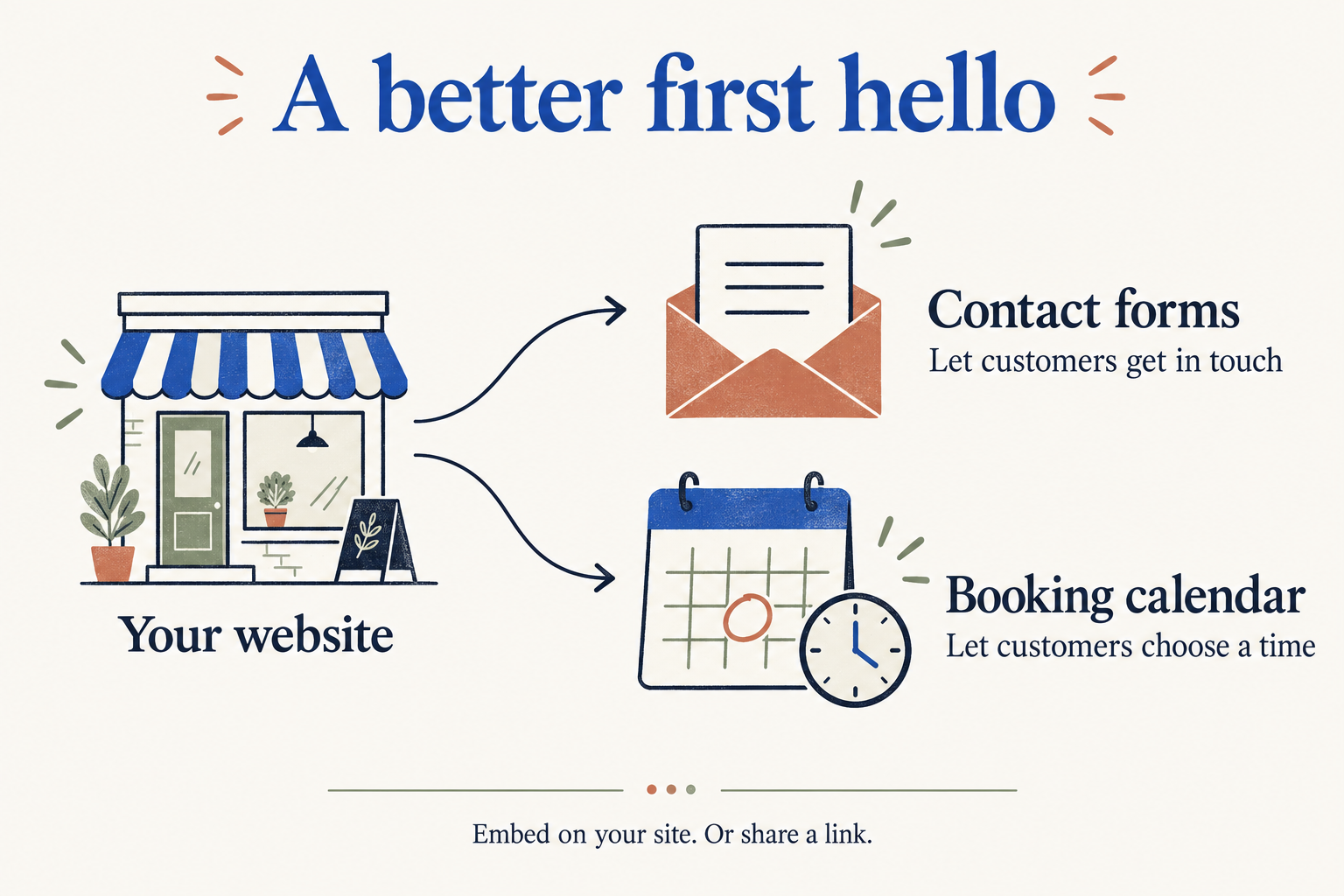
Some visitors want to ask a question. Others are ready to choose a time. Pair your contact form with a Sky BizBook booking calendar to offer both paths on your website.
ONE STEP AT A TIME
Small steps that make your working day feel more organised.
Find your starting pointYes. Sky BizBook forms support an embedded view that fits into your website, as well as a standalone public form page.
Yes. Forms use configurable fields, including required fields, so you can ask for the information relevant to your business.
A contact form collects an enquiry. A booking calendar lets customers choose a service and available appointment time. You can offer both on your site.