
Keep the booking on your website
Add your calendar to the site your customers already know. The embedded page keeps the focus on the service and appointment, without the Sky BizBook marketing navigation.
WIN WORK / BOOKING CALENDAR
Give customers a clear path from ‘I’m interested’ to ‘see you then’. Embed a booking calendar in your website so they can choose a service and an available time.
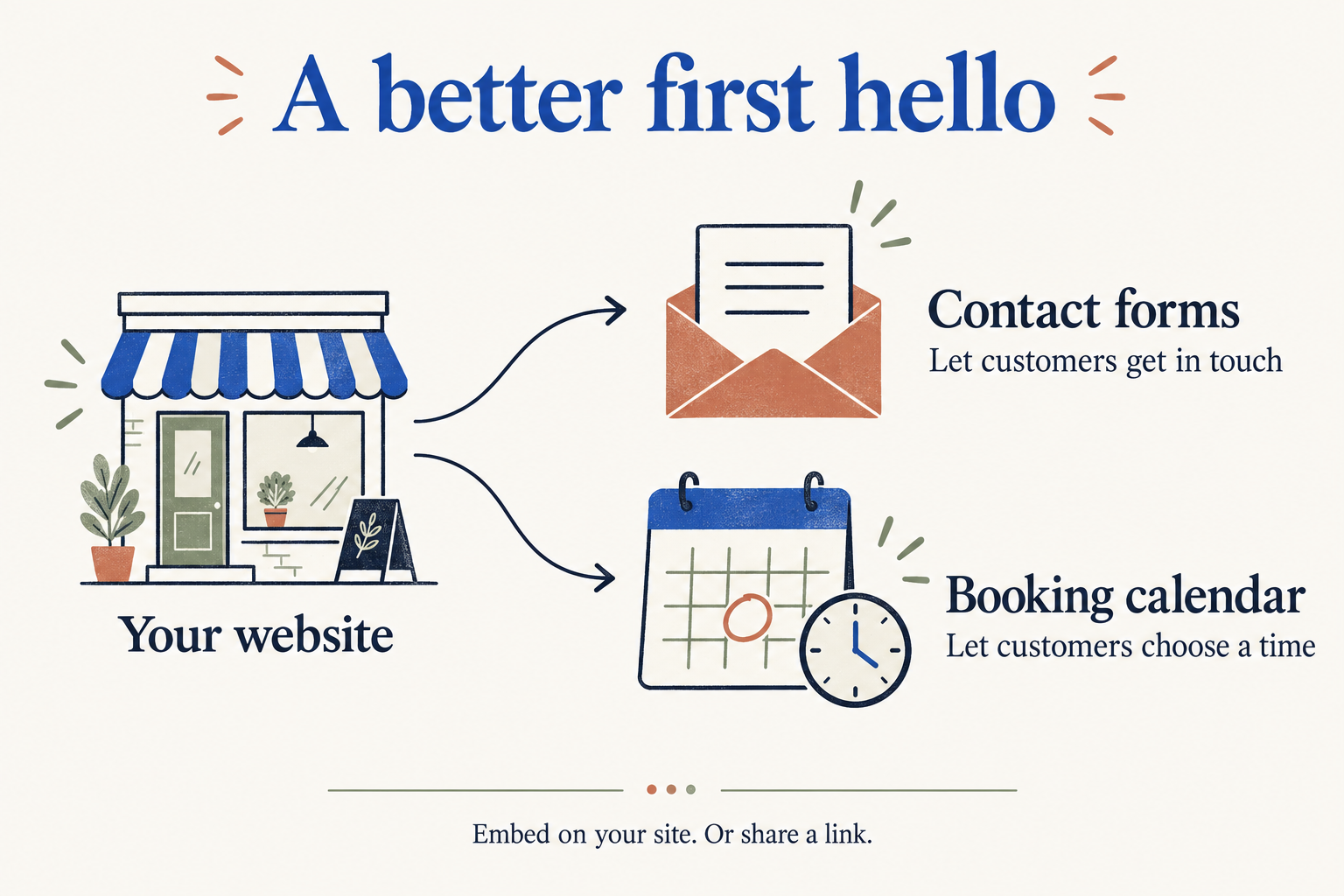
BUILT AROUND YOUR WORK
Add your calendar to the site your customers already know. The embedded page keeps the focus on the service and appointment, without the Sky BizBook marketing navigation.
Booking settings include appointment duration, slot intervals, minimum notice, and booking windows. Customers see available times for their selected service.
The booking flow collects a customer’s name and email, with phone and notes where relevant. Service, location, and time details help customers understand what they’re booking.
Customers receive a booking management link. Depending on the booking’s status and permissions, they can reschedule or cancel without starting the whole conversation again.
ONE STEP AT A TIME
Small steps that make your working day feel more organised.
Find your starting pointYes. The public booking calendar supports embedding in your website. You can also share the standalone booking page.
The booking management page supports rescheduling and cancellation when the booking’s permissions allow it.
Yes. Calendar settings include minimum notice and a booking window, as well as appointment duration and slot intervals.